
Turn off the router and most of what we think of as knowledge goes with it. Search, maps, the encyclopedia, the how-to video, the AI that answers your questions. None of it lives with you. It lives on someone else's servers, at the far end of a connection.
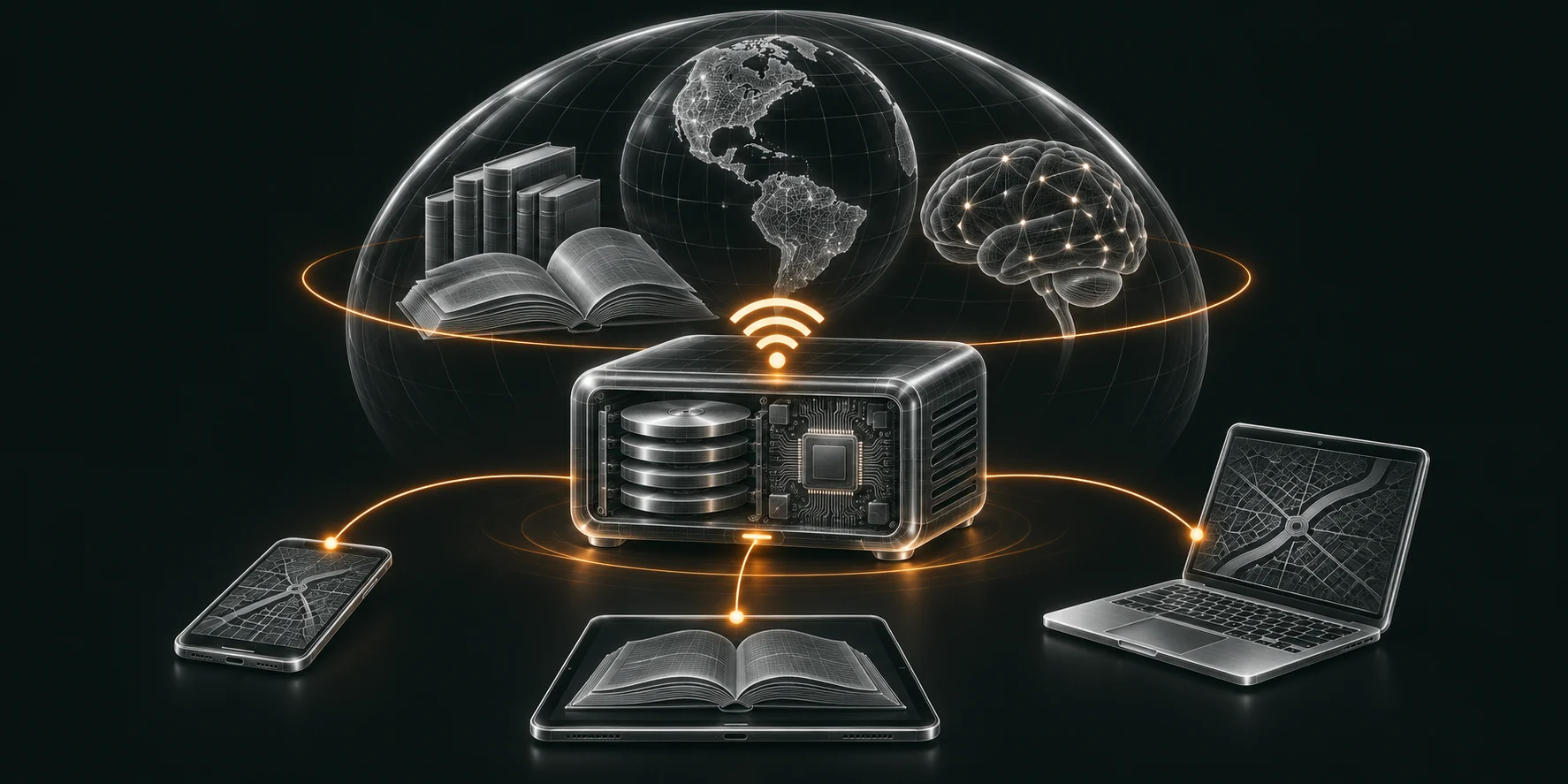
An internet doom box fixes that. It's one small computer with a big drive, holding a copy of the parts of the internet that matter, and it serves them over its own Wi-Fi to any phone, tablet or laptop in range. No signal, no broadband, no cloud. The name comes from doomsday prepping, but the uses go far wider: boats, motorhomes, off-grid homes, remote sites, and schools and clinics that never had a decent connection in the first place.
What goes on one
The library is the whole point, and the sizes are real. These come from the Kiwix library catalogue and the Protomaps documentation, checked in November 2026:
| What | Size |
|---|---|
| English Wikipedia, every article, with images | 127 GB |
| English Wikipedia, text only | 53 GB |
| Project Gutenberg's English books | 221 GB |
| Khan Academy, courses and videos | 180 GB |
| Stack Overflow, the whole site | 115 GB |
| OpenStreetMap, the whole world down to street level | about 120 GB |
| MDWiki medical encyclopedia | 11 GB |
| iFixit repair guides | 3.6 GB |
| Wikivoyage travel guides | 1.1 GB |
That core set comes to about 800 GB. Add more languages, video channels and satellite imagery and it runs into terabytes. A 2 TB or 4 TB SSD holds it with room to spare.
Kiwix is the engine behind most of it. It packs a whole website into a single file you can read with no connection, and its server makes those files browsable from any device on the box's network.
The AI that answers from it
A library you can search is good. A library you can ask is better.
Open AI models now run entirely on the box, through tools like Ollama. OpenAI's open-weight gpt-oss-20b is a 14 GB download and needs 16 GB of memory. Nothing you ask leaves the box, because there is nowhere for it to go.
The better builds point the model at the library on the same drive. Then an answer about a burn, a broken pump or a child's fever comes from the medical and repair guides sitting next to it, not from whatever the model half remembers.
The hardware
The small end is a Raspberry Pi with a big card or drive. The open-source Internet-in-a-Box project runs on one, and its learning hotspots are used in dozens of countries. A Pi serves the library well on very little power, but it struggles with an AI model worth asking.
For that, step up to a mini PC with 32 GB of memory and a capable graphics chip. It draws more power, so plan the battery and charging around it.
What to decide first
The first question for any box is what it needs to know when the line goes dead.
A clinic wants the medical library before anything else. A family wants Wikipedia, the maps and the courses. A workshop wants the repair guides and the manuals for its own kit. Then come the practical questions: who connects to it, how it stays up to date while there is a connection, and how it's powered when there isn't one.
I build them
The box, the library chosen for the job, and a local AI that answers from it. If you want one for a home, a boat, a site or a school, get in touch.