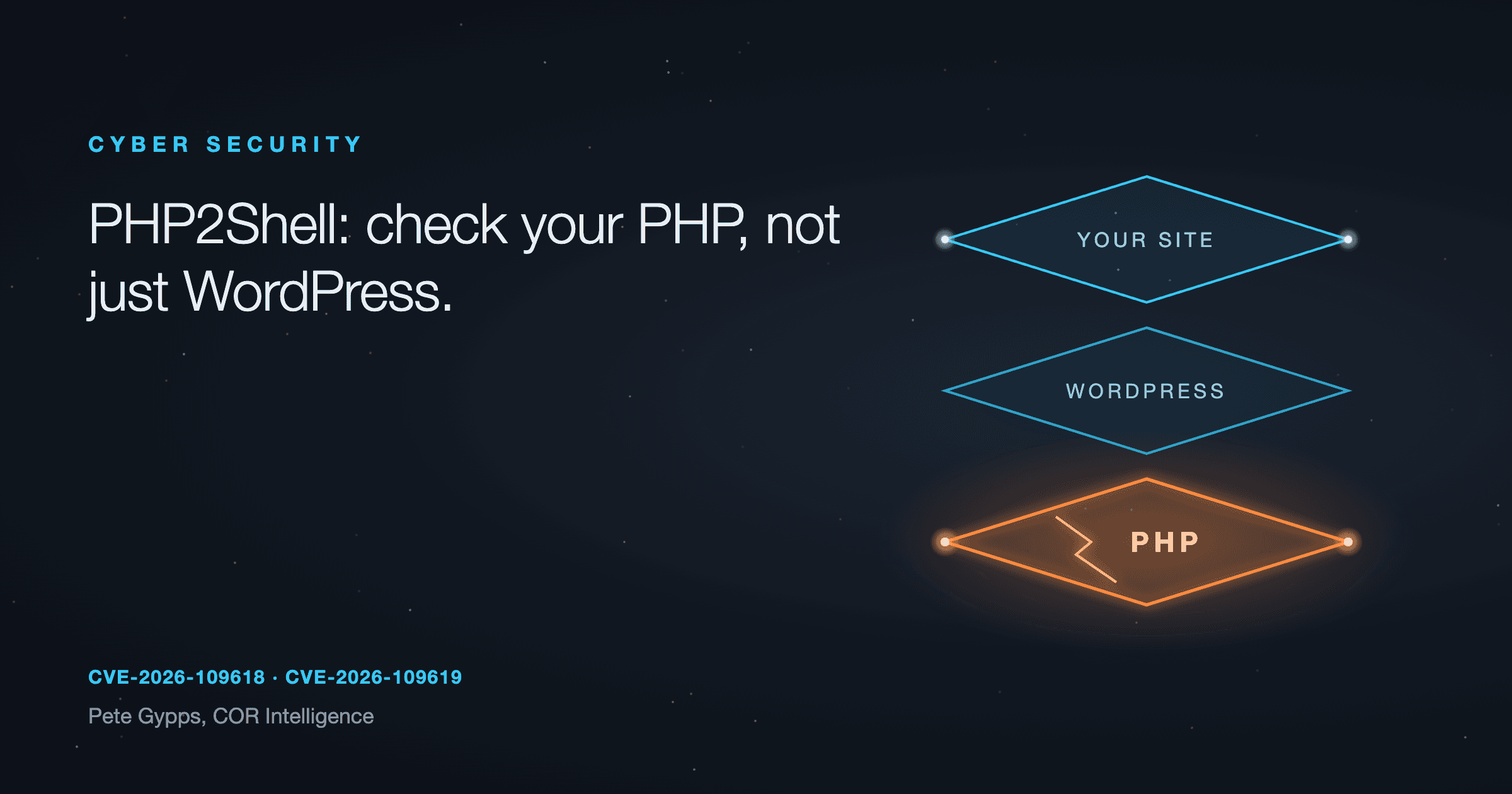

If your website runs on WordPress, WooCommerce, Joomla, Drupal, Magento or anything else built with PHP, this one matters. The fix sits on your web server, not in your website, so you will probably need your host to act.
What happened
On 21 October 2026 the PHP project released urgent updates for two critical flaws in PHP itself, CVE-2026-109618 and CVE-2026-109619. Both are rated 9.2 out of 10, and they've been nicknamed PHP2Shell.
In plain words: someone with no login can send requests to a website and, in the right conditions, run their own code on the server behind it. From there they could reach your files and your database, install malware or take the site down.
Researchers at Calif and Wiz found the flaws with advanced AI tools, Calif through OpenAI's Patch the Planet programme. The bugs had sat unnoticed for more than a decade. Details leaked on social media on 20 October, so the fix went out earlier than planned.
Governments and security agencies moved fast. The UK's National Cyber Security Centre (NCSC) told organisations to update, and to consider taking systems offline if they can't. Public sites in Finland, the Netherlands and the UK were taken down while they were patched, and Cloudflare reported early attacks. NHS England's cyber team says working exploits have already been shown against WordPress, Drupal and Joomla.
Who is affected
PHP runs a large share of the web. You are likely affected if your site uses:
- WordPress, including WooCommerce shops
- Joomla or Drupal
- Magento
- any custom site or web app written in PHP
- a control panel or other product that uses PHP in the background
The PHP project says every PHP installation serving web pages is at risk, including PHP-FPM, Apache with mod_php, php-cgi, FrankenPHP and LiteSpeed. The NCSC says all versions may be affected, so don't assume an older or newer version is safe.
What to ask your host (copy and paste)
Subject: PHP2Shell (CVE-2026-109618 and CVE-2026-109619) on my website
Hi,
Please can you confirm the following for my website [your web address]:
- Which PHP version is my site running right now?
- Has PHP been updated to 8.2.35, 8.3.36, 8.4.27, 8.5.12 or later, or had the PHP2Shell fixes applied? If not, when will it be?
- If my site is on PHP 8.1 or older, what is the plan to move it to a supported version?
- Have you checked my hosting account for any signs of compromise since the flaws were made public?
Thanks,
[your name]
Why updating WordPress won't fix it
WordPress, Joomla and the rest are programs that run on top of PHP. This flaw is in PHP, the layer underneath. You can have WordPress fully updated, every plugin current, and still be exposed.
The fix is a PHP update on the server. On most shared or managed hosting, only your host can do that. If you run your own server, it's your job (or your developer's).
How to check your PHP version
WordPress: go to Tools, then Site Health, then the Info tab, and open the Server section. It shows the PHP version.
Hosting control panel: most panels, such as cPanel or Plesk, show it under PHP settings or PHP version.
Ask your host or developer: if you can't find it, the email above does the job.
One catch. Some hosts and Linux distributions fix older versions without changing the main version number (called backporting), so the number alone may not tell the whole story. Ask your host to confirm in writing that the PHP2Shell fixes are applied.
The fixed versions
Your server should be on one of these, or later:
- PHP 8.5.12
- PHP 8.4.27
- PHP 8.3.36
- PHP 8.2.35
PHP 8.1 and older no longer get updates from the PHP project. Some hosts and vendors provide their own fixes, but the safest step is to move to a supported version. PHP 8.2 also reaches end of life on 31 December 2026, so plan to move off it soon anyway.
If you can't patch yet
Ask your host or developer to apply the PHP project's temporary mitigations. These are server settings that block some known attack routes. The PHP project is clear that they reduce the risk but don't make a site safe.
If that isn't possible, or will take too long, the NCSC says to consider taking the site offline until it's fixed. A short "back soon" page served from somewhere else beats a hacked site.
Before and after updating, look for signs someone got in: admin accounts you don't recognise, new or changed files, odd redirects or spam pages. Updating stops new attacks. It doesn't remove anything already planted.
Keep an eye out for updates from any software or plugin vendor that bundles PHP.
Questions people are asking
My site is on WordPress and it's fully updated. Am I safe? Not from this. WordPress updates don't change PHP. You need to know your server's PHP version and whether your host has patched it.
I'm on shared hosting. Do I need to do anything? Your host should be updating PHP, but don't assume. Send the email above and get it confirmed.
My site is on PHP 7.4 or 8.0. What now? Those versions get no official updates. Ask your host whether they've applied their own fix, and plan a move to a supported version. Check your site and plugins work on the newer version first.
Is my website down because of this? It might be. Some organisations have taken sites offline until they're patched. If yours has gone down, ask your host whether it's related.
How was this found? Security researchers used AI tools to find the flaws. Attackers can use the same kind of tools, which is why patching quickly matters more than it used to.
Want me to check it for you?
If you're not sure which PHP version your site runs, or whether your host has patched it, send me your web address and I'll check it and tell you in plain words what needs doing.